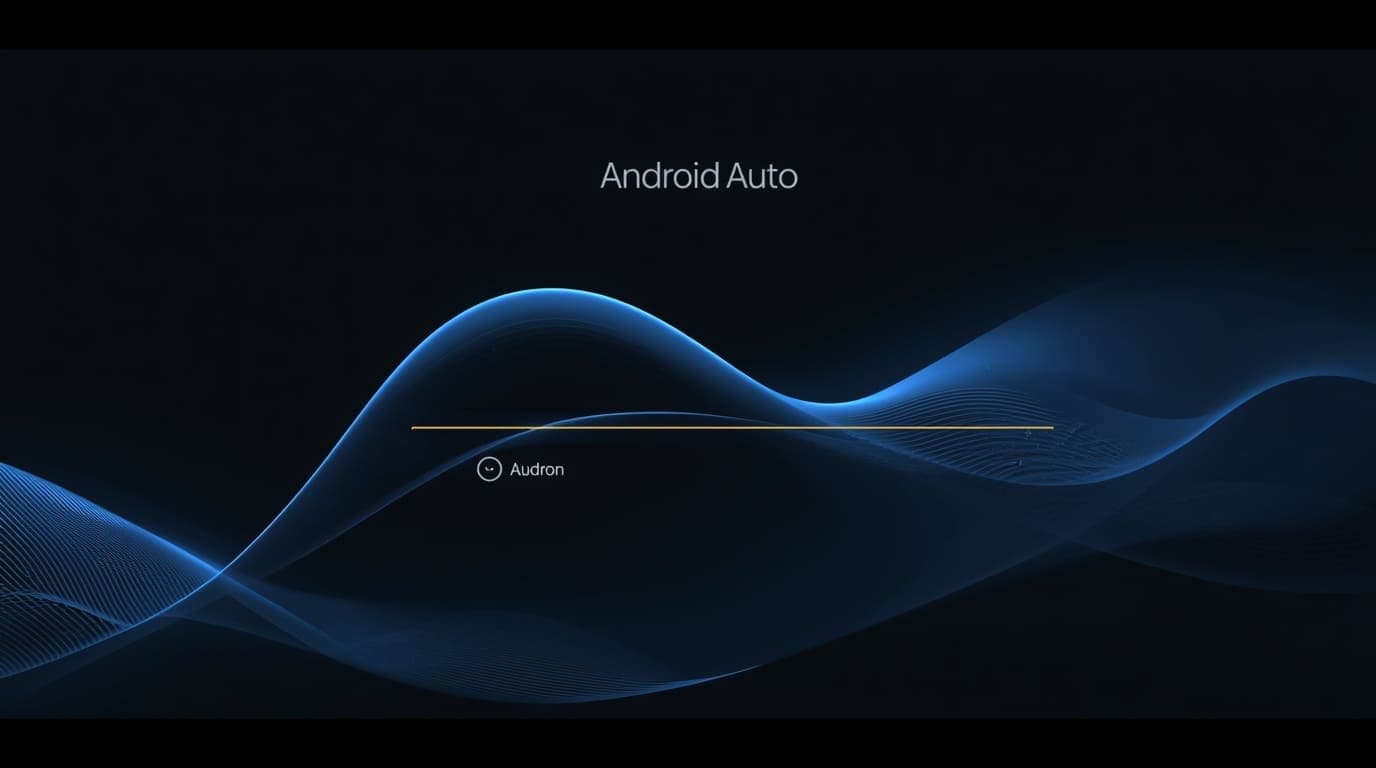

Android Auto users are beginning to notice a subtle but meaningful interface change: a new wavy progress bar animation appearing during loading and processing states. While it may seem cosmetic at first glance, the update reflects a broader design shift toward clearer visual cues that reduce cognitive load while driving. The change impacts navigation prompts, voice assistant interactions, and background task indicators. For drivers, this means quicker recognition of system status without needing prolonged attention. For Google, it signals continued refinement of in-car software experiences as vehicles become more software-driven. Even minor UI tweaks matter when safety and usability intersect.
Background & Context
Android Auto has steadily evolved from a phone-mirroring platform into a polished automotive interface optimized for minimal distraction. Over the past few years, Google has emphasized Material You-inspired design principles, smoother animations, and clearer visual hierarchy across its products. In cars, these priorities are amplified, as interfaces must be readable at a glance and intuitive under motion. Progress indicators play a key role in communicating whether the system is listening, loading routes, or processing commands. Static progress bars, while functional, can feel rigid or ambiguous in motion-heavy environments like vehicles. The introduction of a wavy progress bar aligns with Android Auto’s gradual move toward more expressive yet restrained animations.
Key Facts / What Happened
The new wavy progress bar replaces or supplements traditional linear loading indicators in parts of the Android Auto interface. Instead of a straight line filling from one end to another, the indicator uses a fluid, wave-like motion to signal ongoing activity. This animation appears during actions such as voice command processing, navigation recalculations, or system-level loading states. The design emphasizes motion over completion percentage, focusing on reassurance that the system is actively working. The change does not alter functionality or performance but enhances how feedback is visually communicated to drivers.
Voices & Perspectives
UX designers and automotive software analysts often highlight that motion-based indicators are easier for the human brain to process peripherally. A subtle wave suggests continuity and responsiveness without demanding precise focus. From a design standpoint, the update reflects confidence in micro-interactions as tools for usability rather than decoration. Industry voices consistently note that in-car interfaces must prioritize clarity over novelty, and restrained animation can improve perceived system reliability.
Implications
For drivers, the wavy progress bar reduces uncertainty. Instead of wondering whether a voice command was registered or a route is still loading, the animated feedback provides immediate reassurance. For automakers and developers, it shows how small UI refinements can enhance trust in digital driving systems. As vehicles rely more on software for navigation, communication, and media, clear system feedback becomes essential for safety and comfort. The change also reinforces Android Auto’s role as a mature, design-led platform rather than a simple projection tool.
What’s Next / Outlook
This update suggests Android Auto will continue refining micro-interactions across its interface. Future changes may expand animated indicators to more system states or further simplify on-screen elements. Expect continued emphasis on glanceability, smooth transitions, and consistent visual language as in-car displays grow larger and more central to the driving experience.
Our Take
The wavy progress bar may be a small visual tweak, but it represents thoughtful design in a high-stakes environment. In cars, clarity and reassurance matter more than flashy features. Android Auto’s focus on subtle, meaningful UI improvements shows a mature understanding of how drivers actually interact with screens on the road.
Wrap-Up
As automotive software becomes more sophisticated, even the smallest interface details carry weight. Android Auto’s wavy progress bar is a reminder that good design often works quietly in the background, improving experiences without demanding attention. For drivers, that restraint is exactly the point.